The runner settles its credential before it tests your API, and dino login signs in where you point it
October 5, 2026
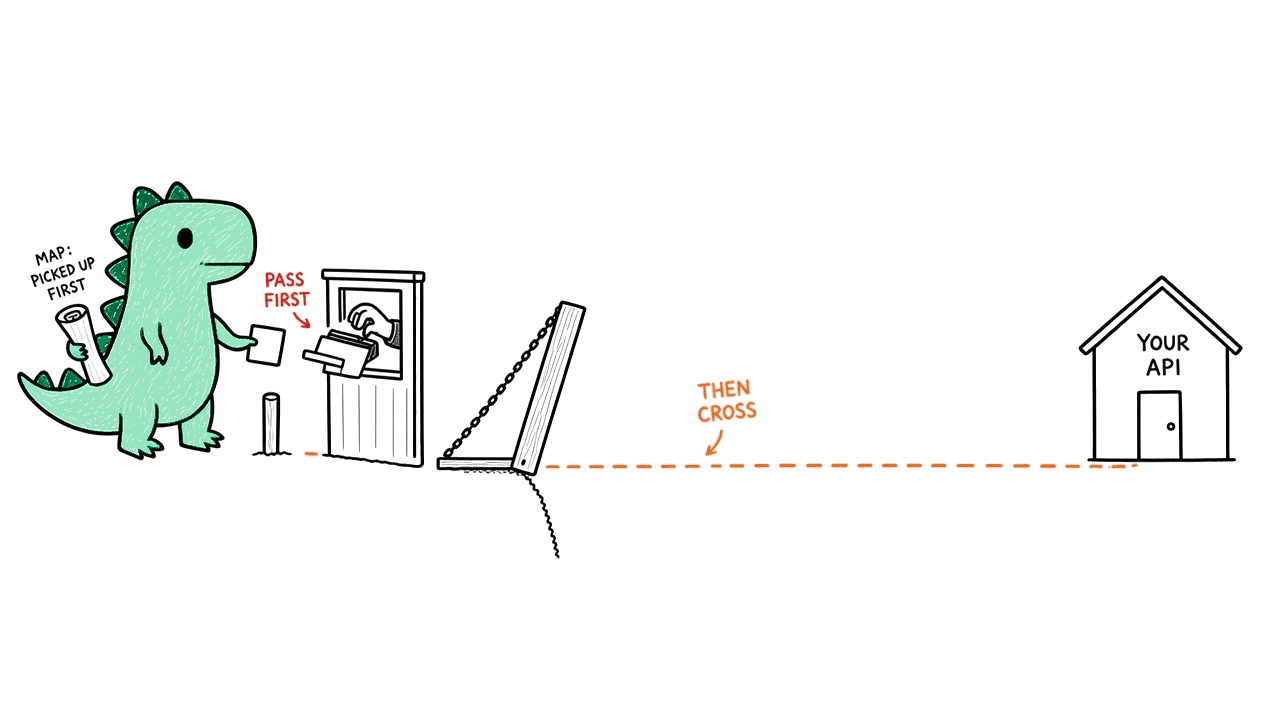
A refused credential or Target Connection now stops a scan before discovery and before any test request, and discovery can use the scan's credential. dino login --api-url signs in to that API and opens your browser. dino credential set no longer takes --har.
The runner settles its credential before it tests your API
When a scan needs credentials, the runner now settles them before discovery and before any test request. If Dino refuses the credential or the Target Connection, the scan stops there and reports why, with the next step to take.
The spec fetch comes before that decision: for a REST API, the runner first fetches the OpenAPI spec, without credentials, following any redirects. If your spec is hosted on the API itself, or redirects to it, those requests reach your API.
Discovery uses the scan's credential
A GraphQL API that requires authentication for introspection can now be discovered and scanned: discovery sends the same credential the scan's test requests carry. It's sent only as headers or cookies, never as a query parameter, so it never appears in a logged URL.
A REST API needs its OpenAPI spec. Without one, the scan stops with SCAN_API_SPEC_REQUIRED instead of trying GraphQL introspection. If the spec can't be fetched, the scan reports SCAN_API_SPEC_UNAVAILABLE.
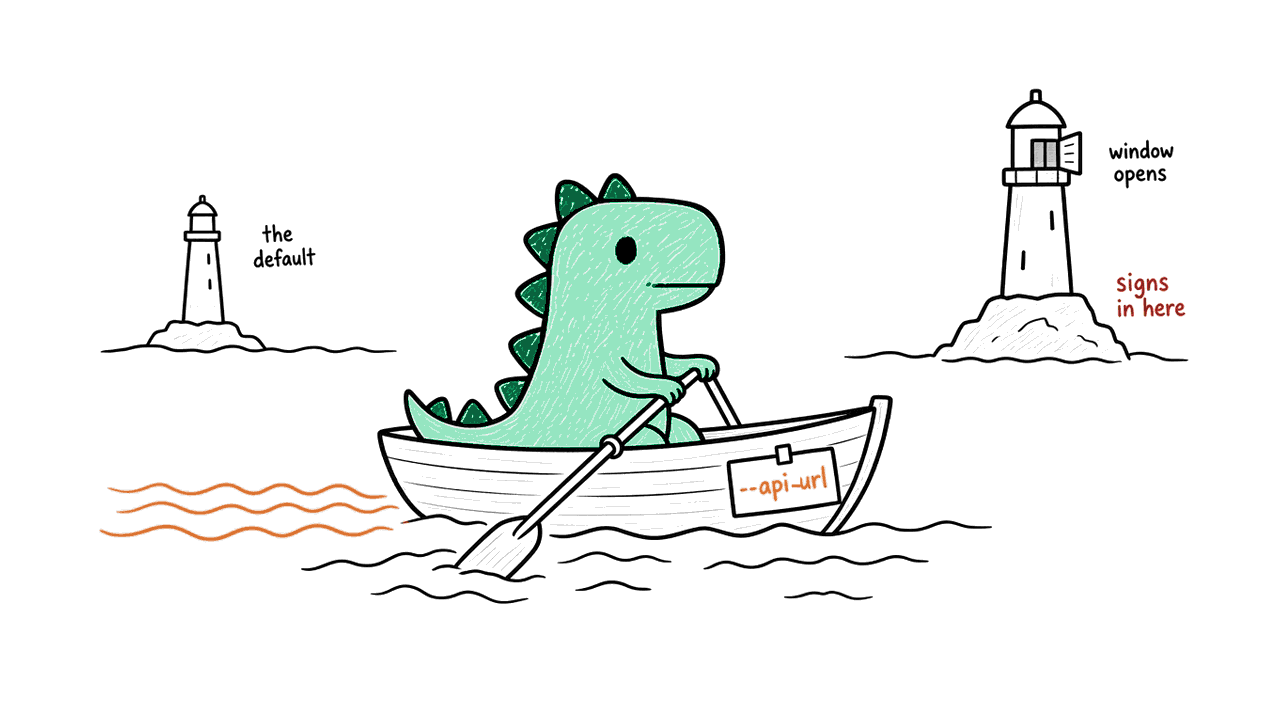
dino login --api-url signs in to that API
dino login --api-url <url> now signs you in to the API you name. Before, only DINO_API_URL chose where you signed in, so the flag pointed the login at production. dino logout follows the flag too.
The login opens your browser, even when Dino runs without a terminal (from a coding agent, for example). Pass --no-browser to stop it. The sign-in URL is always printed, so you can open it yourself.
dino credential set no longer takes --har
A credential handoff no longer waits on a separate approval. A person approves the Target Connection once, on Dino's approval page, and that covers its credential. dino credential set --auth-profile <id> works as before. If a script passes --har, remove it.
Update with brew upgrade dino, npm install -g @dino-hq/cli@latest, or by running the installer again.