Dino findings in your GitHub Security tab, and an alert only closes when it was re-tested
October 1, 2026
dino scan --format sarif and the GitHub Action's format: sarif put API findings into GitHub code scanning. A partial scan carries untested alerts forward instead of closing them. Also: dino credential set, and the runner reports authentication for every scan.
Dino findings in GitHub code scanning
dino scan --format sarif writes SARIF 2.1.0, so Dino's findings show up as alerts in your repository's Security tab, next to your other code scanning tools. With the GitHub Action it's one input:
```yaml permissions: contents: read security-events: write actions: read concurrency: group: dino-sarif-${{ github.ref }} cancel-in-progress: false steps:
- uses: actions/checkout@v4
- uses: Dino-HQ/dino/.github/actions/scan@v1
with: api-url: ${{ secrets.API_URL }} cli-version: 1.3.0 format: sarif ```
Access control, data leaks, CORS and missing rate limits are security alerts with a severity. Contract and deprecation findings are quality alerts. Each alert points at a file in your repository: your OpenAPI spec, your .dino.yml, or the workflow file.
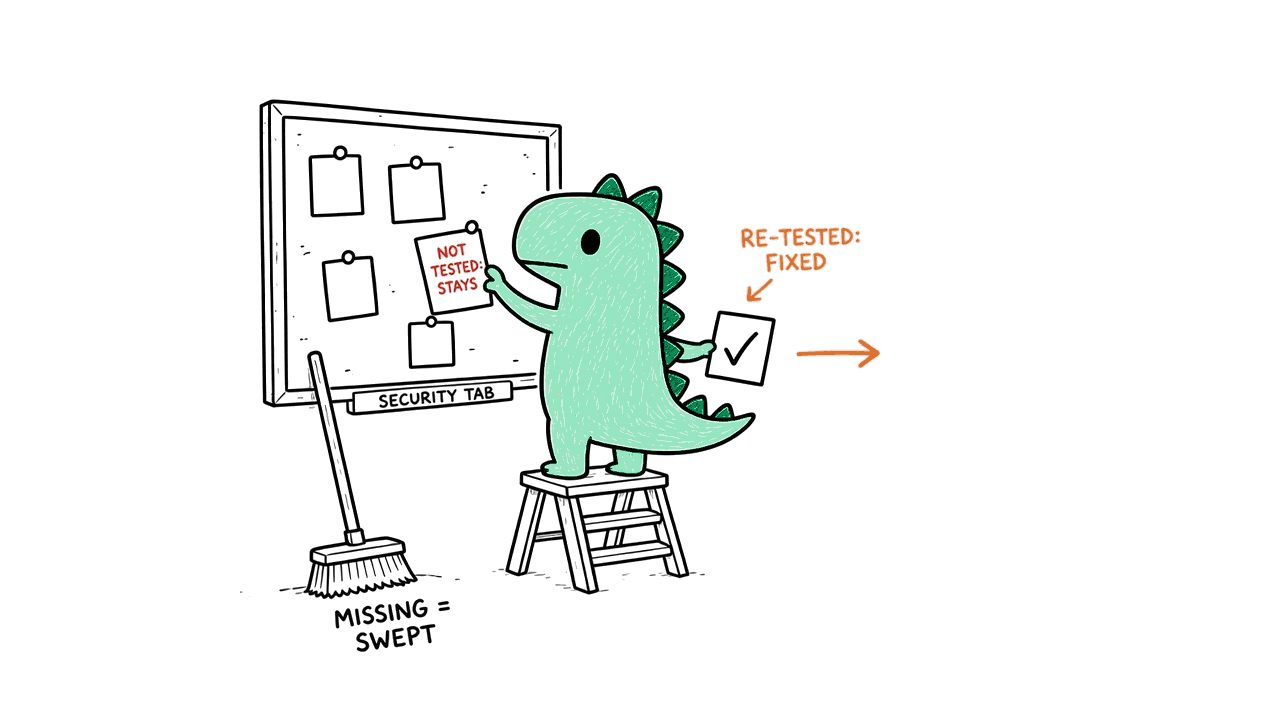
Untested is never fixed
GitHub closes every alert that's missing from the latest upload. That suits a tool that reads every file on every run. For an API test that couldn't reach some endpoints this time, it would mark real problems as fixed.
So Dino reconciles each upload with the one before it:
- An alert closes only when Dino re-tested that exact operation with the same test plan, and found it clean.
- A partial scan uploads what it verified and carries every alert it didn't test forward, unchanged.
- When Dino can't tell what an upload would close (it can't read the previous upload, or another one landed during the scan), it uploads nothing, leaves your alerts as they are, and keeps the scan's exit code.
The setup, including the one concurrency group every Dino upload on a branch shares, is in the [code scanning guide](/docs/ci#github-code-scanning).
dino credential set
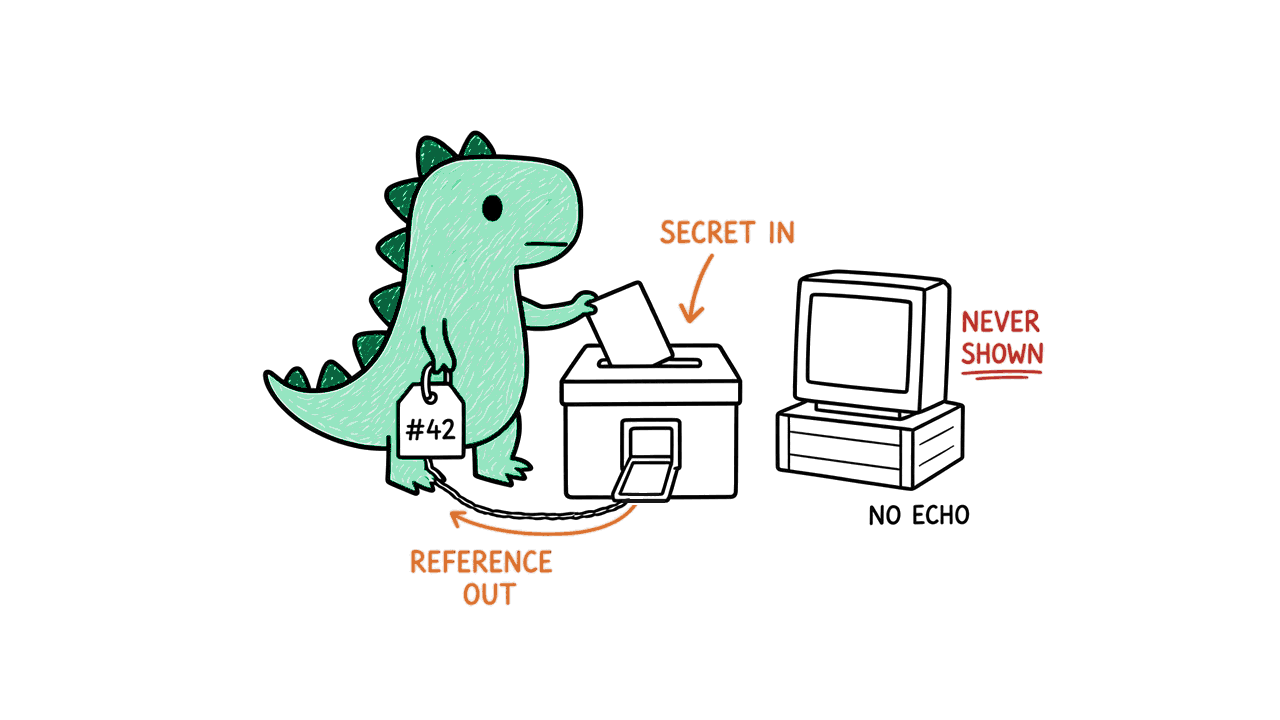
dino credential set --auth-profile <id> hands a target API's credential to Dino's custody and gives you back only a reference to it. You type the secret at a prompt that never echoes it; Dino refuses it as a flag or an argument and never prints it. In a script, pass it on stdin with --stdin.
The runner reports authentication for every scan
Each scan the runner completes now says what it proved about authentication: whether it signed in for each identity, and how many authenticated requests the API rejected. Raw errors, tokens and secrets never appear in the report.
Update with brew upgrade dino, npm install -g @dino-hq/cli@latest, or by running the installer again.