dino verify tells your pipeline why it couldn't prove a result
September 29, 2026
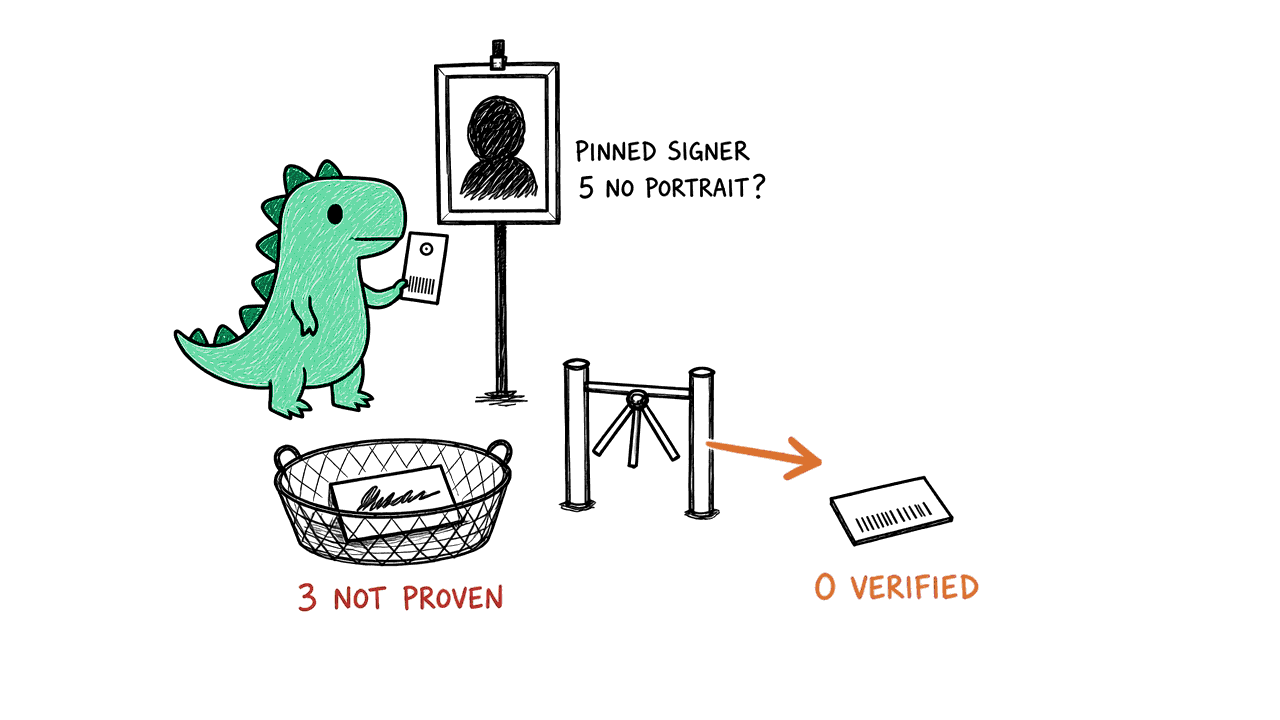
dino verify ends in a declared exit code: 0 verified, 3 not proven, 5 the runner can't be verified yet, 2 the scan wasn't found. The npm package now installs with zero runtime dependencies and documents the whole CLI.
dino verify ends in an exit code you can script against
dino verify checks that a scan result was signed by your runner and hasn't changed since. Until now it exited 1 whenever it couldn't prove that. 1 isn't an exit code Dino declares, so a script or a coding agent couldn't tell a tampered result from a runner that was simply never set up to sign.
It now ends in one of Dino's declared codes:
- 0: the result is cryptographically verified.
- 3: not proven. The signature doesn't verify, or the scan finished without an attestation. It's printed on stdout like any other result.
- 5: the runner has no pinned signer identity. Register it with
dino runner register --attestation-identity <uri>, and its next scans can be verified. - 2: the scan wasn't found.
A result Dino can't prove is never reported as a pass. If your pipeline treats any non-zero exit as a failure, nothing changes for you. If it matched on 1, match on 3 and 5 instead.
One bundle, nothing else to download
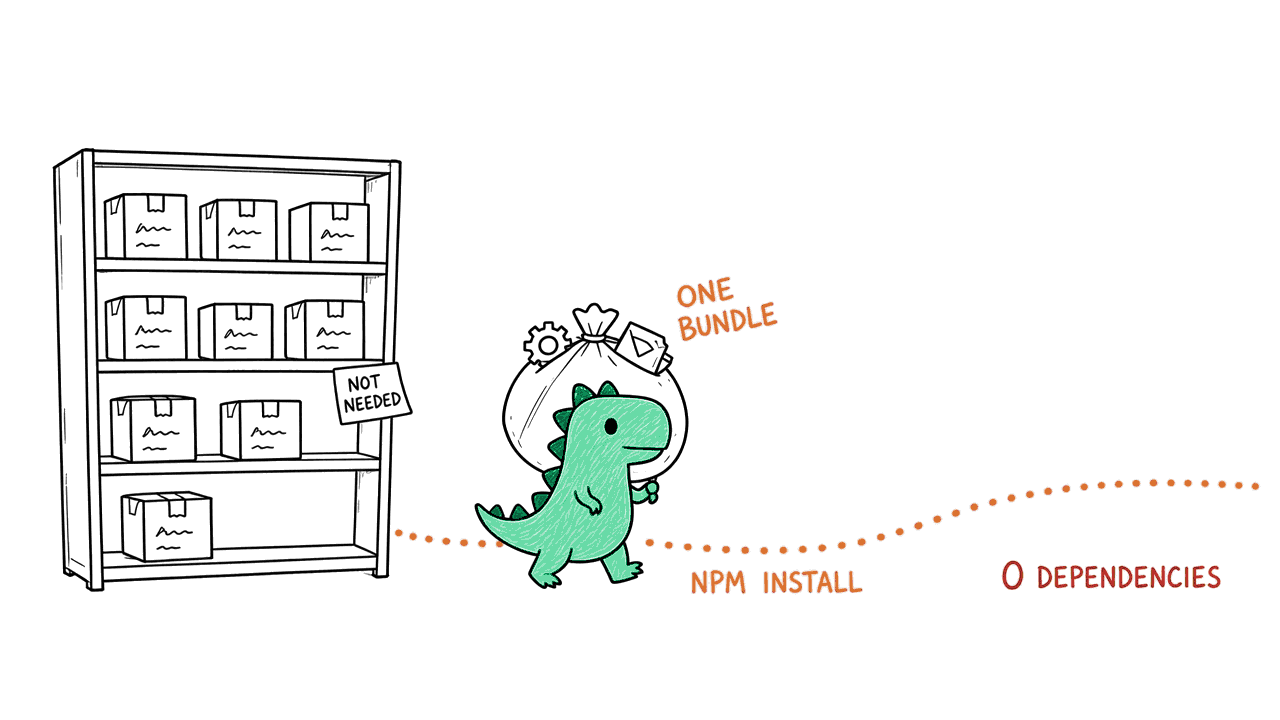
@dino-hq/cli now installs with no runtime dependencies. Everything the CLI uses is already in its bundle, so npm install fetches the package and nothing else.
The whole CLI, documented on npm
The package page now covers installing, a quick start, what a scan checks, configuration, every command, exit codes, coding agents, CI, verifying downloads, and exactly what telemetry sends.
Update with brew upgrade dino, npm install -g @dino-hq/cli@latest, or by running the installer again.